For small company owners and authors
Company pages and a blog for your services
Explain your service once and share a link: scope, terms and answers to repeated questions live on one page you update in one place.
The Sites module is included; the domain and paid AI operations are separate.
No card to register. Pages are edited and published by the account owner.
Start with manual pages in the location-site CMS. No promise of a universal AI design tool or automatic website migration.
- A service page at its own address
- Articles in a shared blog feed
- A contact button with a clear next step
- standing terms
- Page
- news or analysis
- Article
- next step
- Contact
- publication control
- Owner
What a visitor learns before contacting you
Explain the service
- Text, images, steps and FAQ sections
- An address to share in messages
- Manual updates by the owner
Make contact clear
- An email or phone button
- Contact and expected inputs together
- Check the button before sharing
Review the publication
- Draft and published states
- Search title and description
- Review at the public address
What you need to start
One offer
Who it serves, what is included and which inputs you need.
Content and contact
Your text, permitted images and working contact details. Decide who responds.
Owner account
The owner edits pages. Separate staff editor accounts are not supported here.
Address check
Use the location-site address first. Connect a custom domain after testing.
Your first workflow
- 1
Choose the purpose
Company website is preselected; authors can choose Blog. After setup, open Websites → Articles and pages as the owner.
- 2
Prepare a page
Describe the service, terms and a common question. Add a button with your email or phone, save a draft and check the contact.
- 3
Publish and check
Open the public page, review the terms and test the contact button. Add articles and navigation links after this check.
Try your own example
Product steps, not testimonials or promised results.
Page on a phone
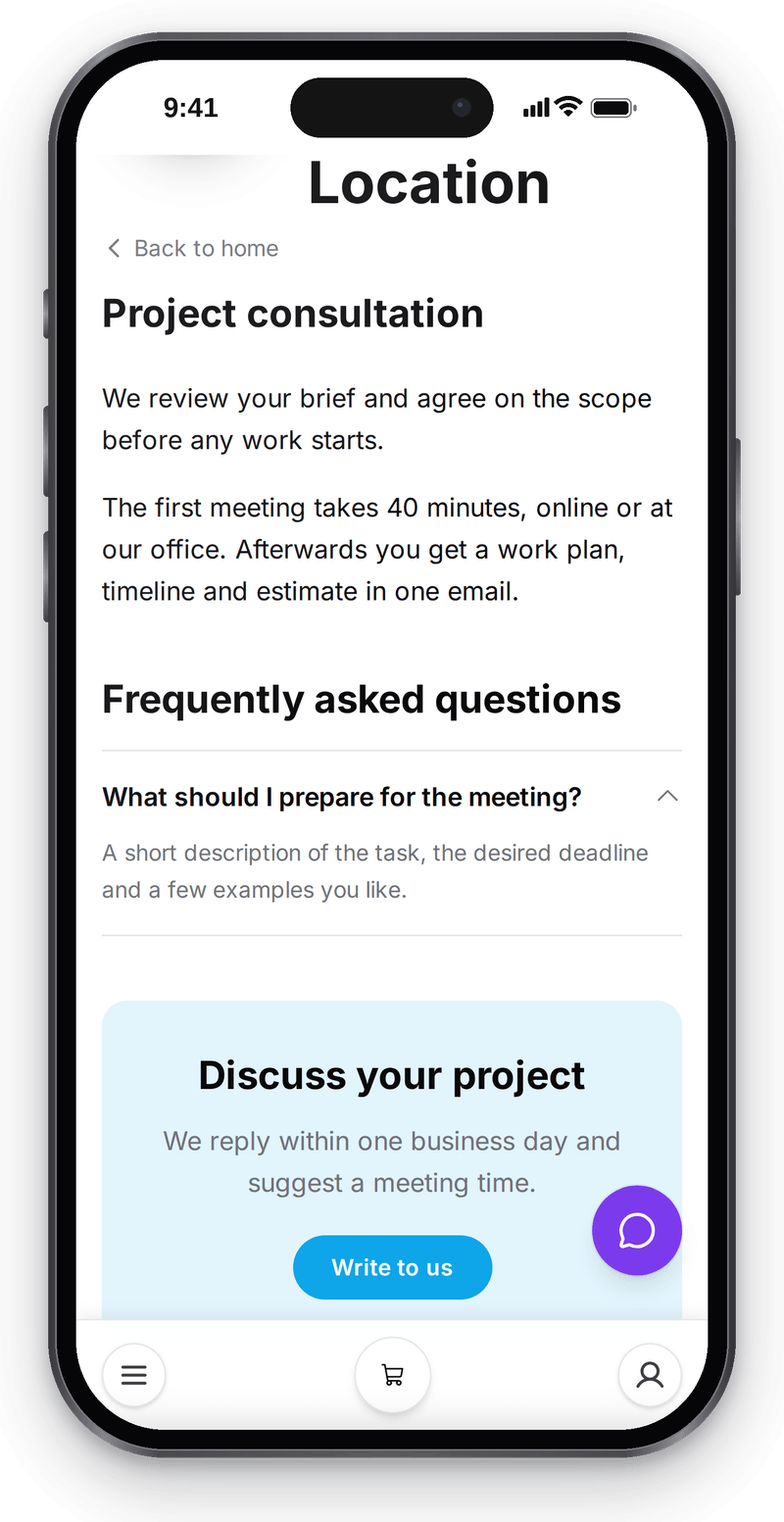
Real screen, test data, 3 October 2026. Customers read the terms before the first call

The same page on a computer
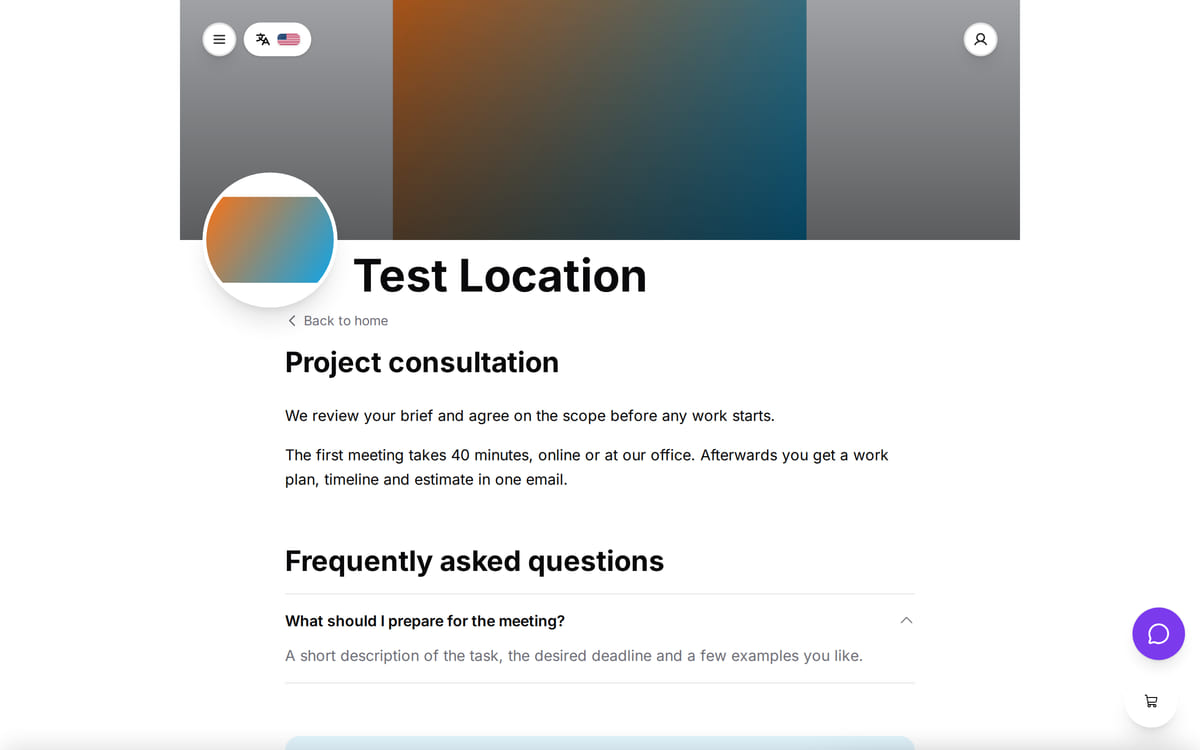
Real screen, test data, 3 October 2026. One page for phones and computers

From a page in the editor to its published address
This example checks sections using actual storefront code. It is not a screenshot or a delivery test.
- 1
In the editor: service and question
The service description and preparation answer remain in the displayable sections.
Page sections → - 2
Drafts are not published
Unapproved terms marked hidden are excluded from displayable sections. Review your own final page before publishing.
Draft and publish → - 3
At the page address: the contact button
The button carries an email link. The visitor sends the message from their email application; no CRM inquiry is created automatically.
Request widgets for an existing site →
How it works in practice
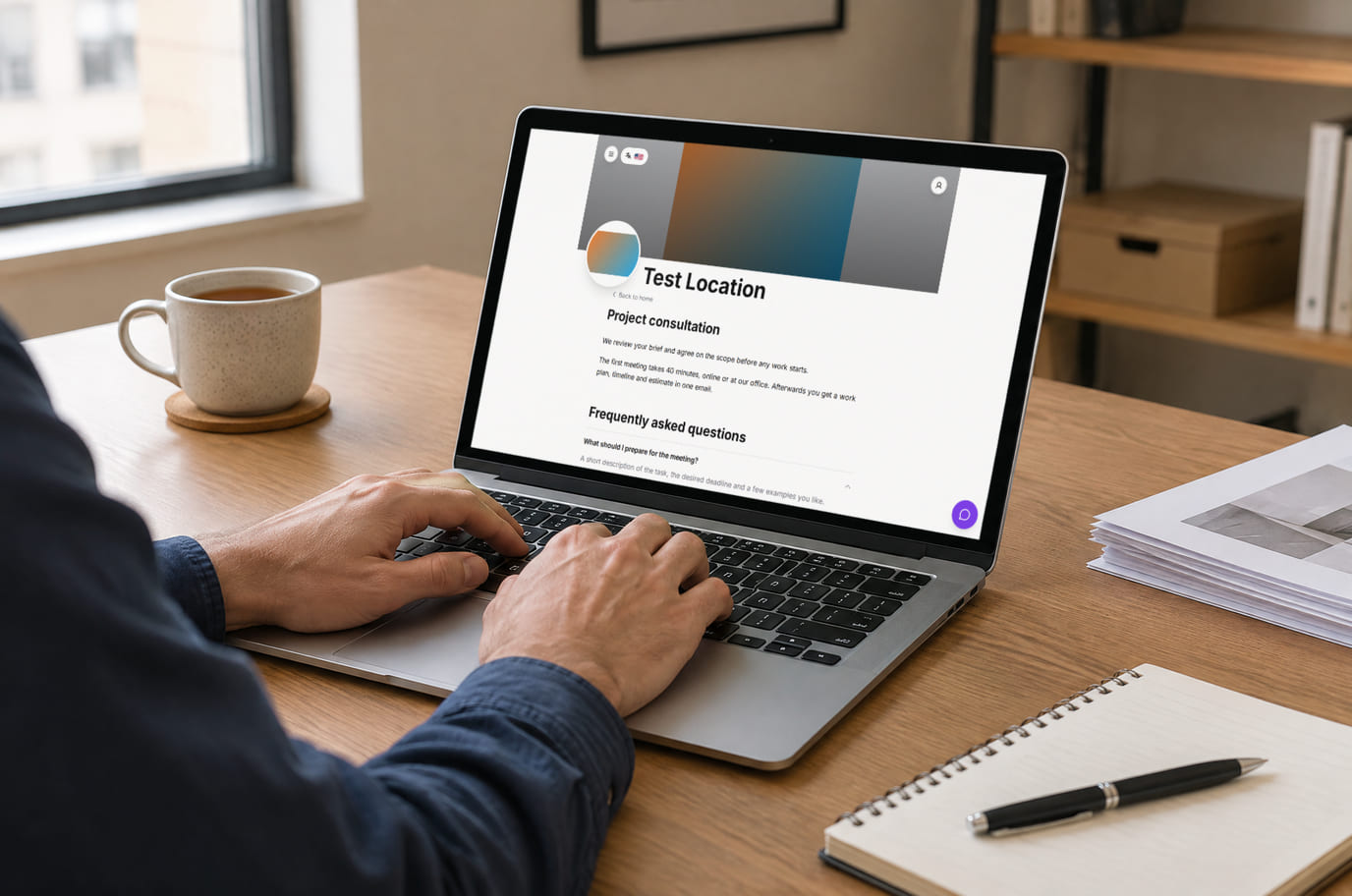
Illustration; the screen shows the real interface, test data, 3 October 2026. Publish, then walk through the customer's path

Where it helps the owner
Repeated client questions
Example: share a page with current terms. Measure how many clarification messages remain.
A series of articles
Example: standing terms on a page and new material in the blog, alongside author contact details.
An existing website
Example: explore forms and widgets without moving your site. Design and content migration are not included.
Example situations. Measure time and costs with your own operations.
A useful page first, additional connections later
A useful page first, additional connections later
Websites is an included account extension. Domains and paid AI operations are separate.
Cost categories
- Publishing pages and articles at the location site address is part of the included Websites extension
- A custom domain is a separate setup after checking the page; registration and renewal are charged by your registrar
- Manual text and section setup needs no paid AI operations; AI writing is separate
- Measure update and reply time with your own workflow; traffic growth is not guaranteed
What you can start for free
A manual page does not require an AI site or a purchased domain. Start at your location-site address and verify publishing in your account.
Prepare your first pageNo card to register. Pages are edited and published by the account owner.
What to consider before you start
- The mini-CMS is not a universal AI design studio. The restaurant template is not offered for every industry.
- Only the owner edits pages; separate staff editor accounts are not supported.
- A contact link does not send an email or create an inquiry on its own. Forms require separate setup.
- SEO fields and RSS do not guarantee indexing, ranking or inquiries.
Test your workflow and required connections before migrating data.
Frequently asked questions
Do company websites and blogs need separate registration?
No. Choose Company website for service pages or Blog for author content; both use the location-site CMS.
Do I need a custom domain?
Start at the location-site address. Consider a custom domain after testing.
Will this replace my existing site?
Not necessarily. This is for simple pages and articles. Forms and widgets can be connected separately without migration.
Details for every screen are in the help centre. Where to start →
Related workflows
All solutions →Professional services and B2B
Handling an inquiry
Inquiry, counterparty, proposal and invoice: an owner keeps agreed terms and outstanding payment together.
Individual appointment services
Booking a service by time
Tutors, consultants and specialists: clients choose a service and time; you manage visits in one journal.
Start with a question you answer every week
Describe the service, terms and next step. Publish one page and check it as a visitor before moving more content.
No card to register. Pages are edited and published by the account owner.